![Boom Logo White.png]](https://www.bbdboom.com/hs-fs/hubfs/Boom%20Logo%20White.png?height=50&name=Boom%20Logo%20White.png)
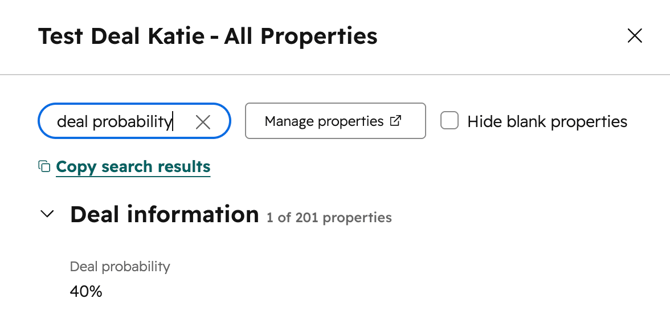
Go to Deals and choose the deal to use. Click View all properties and search for ‘Deal probability’. Adjust the percentage to your needs.
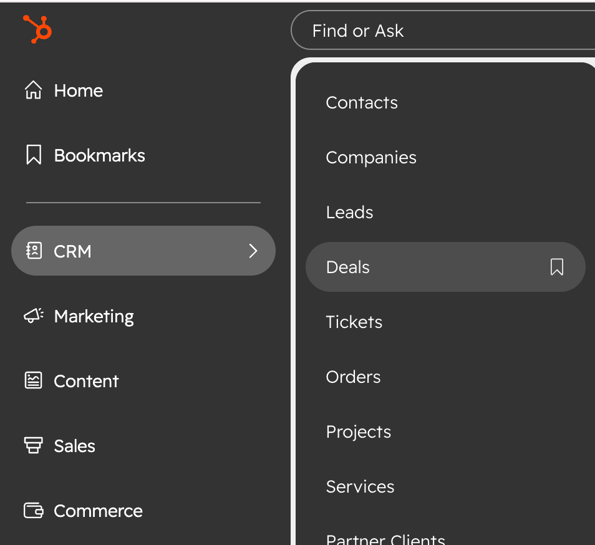
From the navigation bar, click CRM, then select Deals.
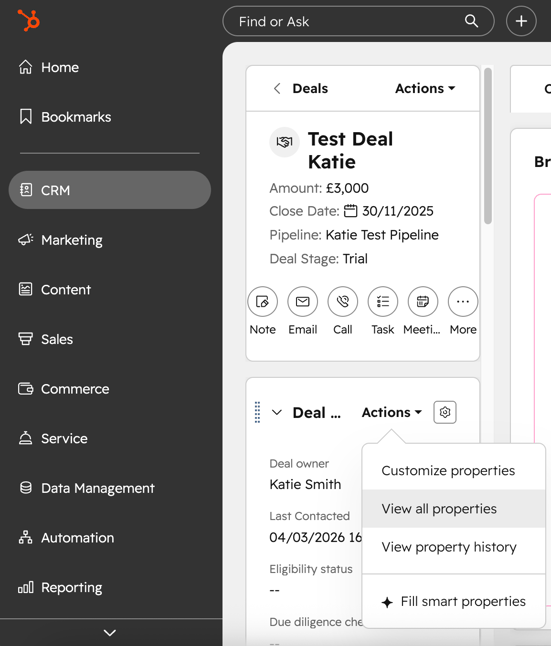
From the index page, select the deal that you would like to edit.
In the left sidebar, click Actions, then select View all properties.
Type ‘Deal probability’ into the search bar and adjust the percentage.